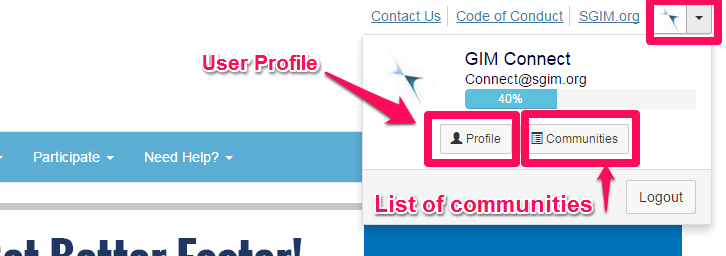
GIM Connect has a new streamlined mobile friendly design which allows for easier reading and navigating on phones and tablets. The user profile page can still be accessed in the upper right corner of the webpage. Click on the down arrow to enlarge the profile box and view additional options including links to the user's profile page and list of communities.
New Profile Page
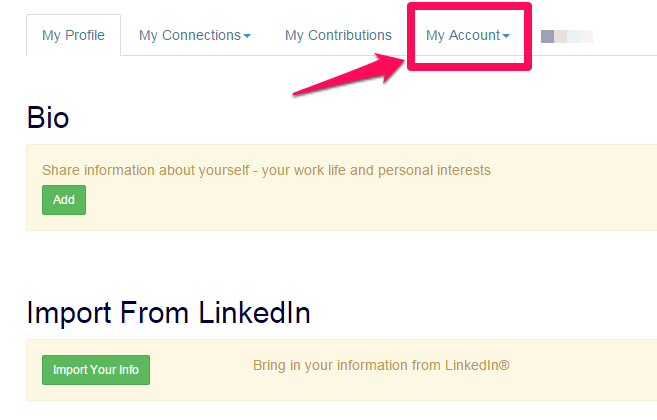
From the profile page, click on the My Account tab to adjust privacy settings, email subscriptions, notifications and community signature. While editing your profile, consider adding a short biosketch and photo. In addition, you may import all of your professional information from an existing LinkedIn account.
Editing contact information
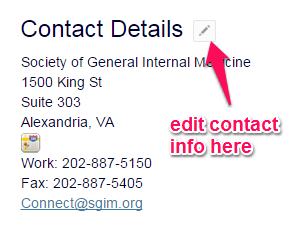
Keep your contact information current! To edit your contact information, click on the small pencil icon in the Contact Details section of the page.
Questions?
Can't find something you are looking for? Contact Julie Machulsky.